Visually build tailwind css projects 10x faster using AI
Build Tailwind websites visually and ship projects to production in minutes instead of days. Generates code from your designs to export to your favourite frameworks like React, Vue, Angular.

Use this guide to install cdbreact quickly and correctly in modern React projects.
cdbreact@1.6.1 supports React 19 and Bootstrap 5-based UI workflows.
| Package | Recommended Version |
|---|---|
| Node.js | 18+ LTS |
| React | 19.x |
| cdbreact | 1.6.1 |
Before you begin:
18+ recommended)npm -v or yarn -v)Step 1: Create a React app (Vite recommended)
npm create vite@latest <appname> -- --template reactStep 2: Navigate into your app
cd <appname>Step 3: Install cdbreact
npm install cdbreactor
yarn add cdbreactStep 4: Start your app
npm run devor
yarn devIf you still use CRA:
npx create-react-app <appname>cd <appname>npm install cdbreactnpm startCreate a component file and import from cdbreact:
import React from 'react';import { CDBBtn } from 'cdbreact';
export default function Example() {  return <CDBBtn color="primary">CDBReact Works</CDBBtn>;}
If your app renders the button without import errors, setup is complete.
Use these steps to set up cdbreact in Gatsby.
Step 1: Create a new Gatsby application
npm init gatsbyAnswer the questions that show up to get your application initialized as shown below.
<app-name><folder>/<app-name>Step 2: Navigate to app's directory
cd <appname>Step 3: Install cdbreact
npm install cdbreactStep 4: Launch your app
npm startModule not found errorcdbreact is listed in package.json dependencies.npm install.react and react-dom on matching versions.cdbreact.CDBBtn, CDBAlert, CDBInput).npm install cdbreactcdbreact1.6.1https://www.devwares.com/docs/contrast/react/Build Tailwind websites visually and ship projects to production in minutes instead of days. Generates code from your designs to export to your favourite frameworks like React, Vue, Angular.
Trying to create components and pages for a web app or website from
scratch while maintaining a modern User interface can be very tedious.
This is why we created Contrast, to help drastically reduce the amount of time we spend doing that.
so we can focus on building some other aspects of the project.
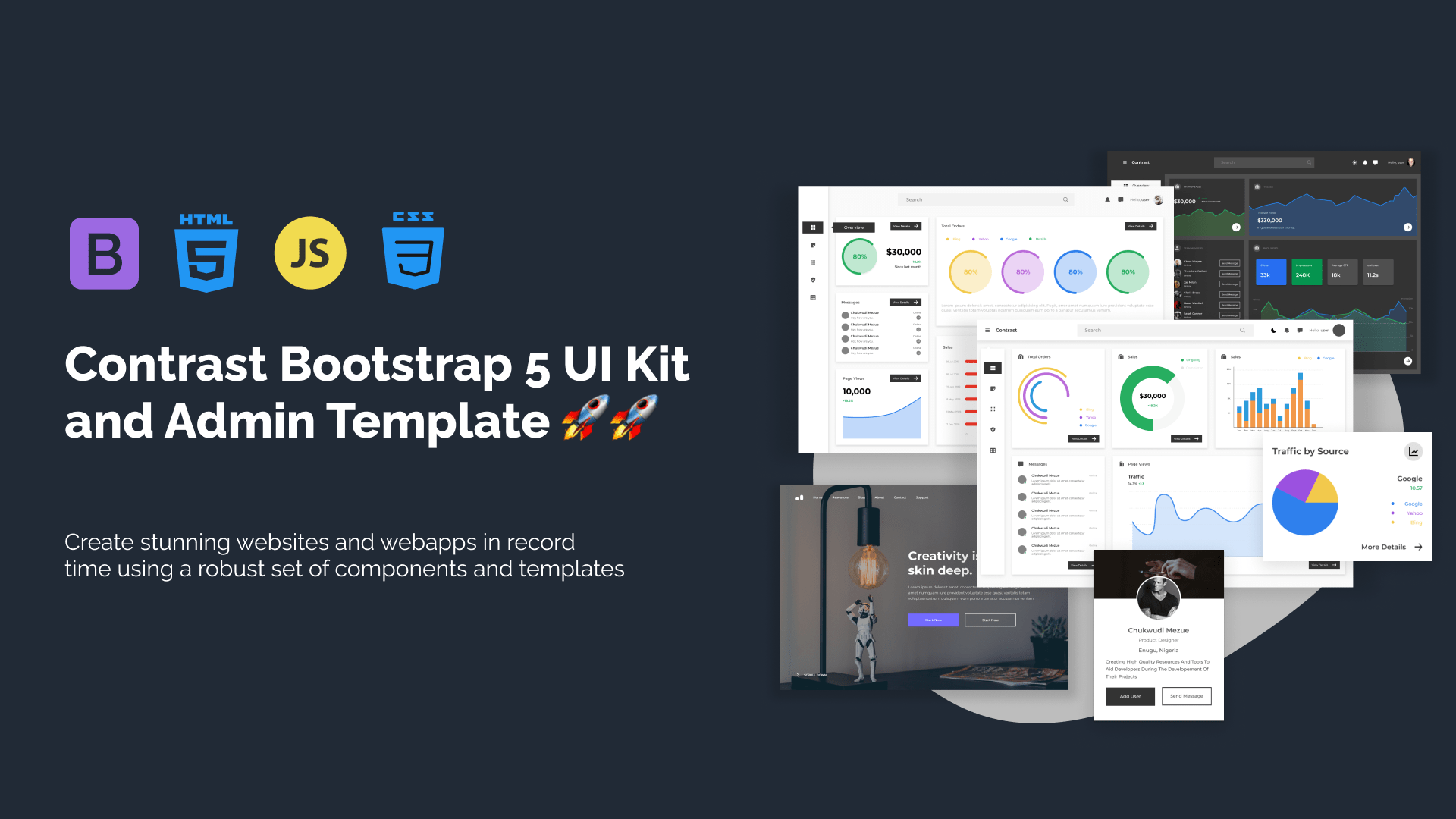
Contrast Bootstrap PRO consists of a Premium UI Kit Library featuring over 10000+ component variants.
Which even comes bundled together with its own admin template comprising of 5 admin dashboards and 23+ additional admin and multipurpose pages for
building almost any type of website or web app.
See a demo and learn more about Contrast Bootstrap Pro by clicking here.