Transcription
Transcribe audio and video to text online. Automatic transcription in just one click
Preview Components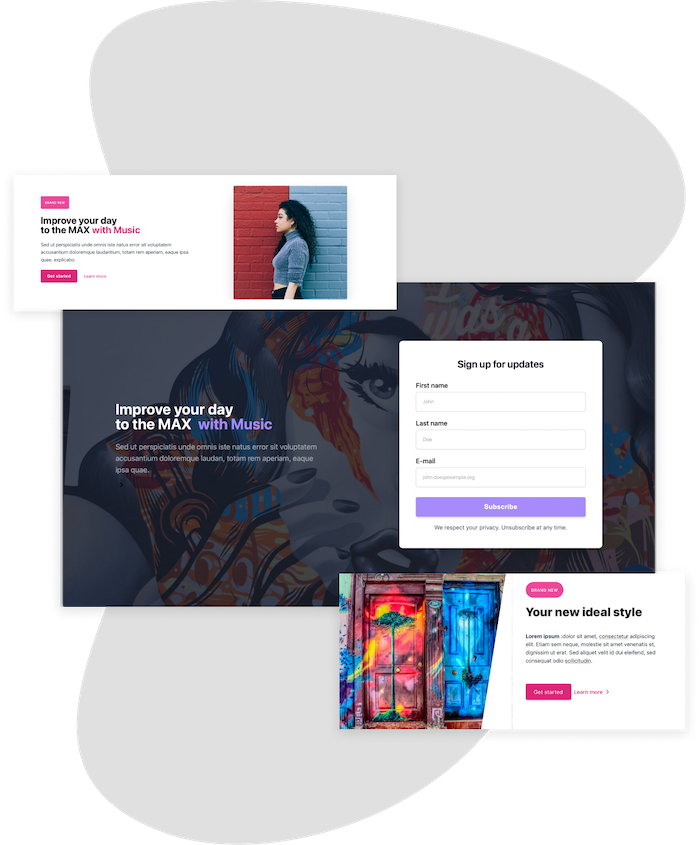
Featured in




Automatic Transcriptions Online
VEED’s online transcription service allows you to transcribe your audio and video files to text in just one click. It is much more versatile compared to other services that only allow you to transcribe either an audio or a video file. With VEED, you can do both. Simply upload your audio or video, click on ‘Auto Transcribe’ and download your transcript! Our transcription tool supports all popular audio formats including MP3, WAV, and all video file types like MP4, MOV, AVI, and more. It is incredibly easy to use and works straight from your browser. You don’t need to download any software.
Our auto transcription service has a 95% accuracy—which is a lot higher compared to other services that are even more expensive. You only need to edit a few words or phrases. It takes minutes compared to hours of manually transcribing files! With a VEED Pro account, you will have access to unlimited transcription downloads, starting at only $24/month, billed annually. You can visit our pricing page for more information. No need to pay for expensive services like Rev!
Quick steps on how to use windframe
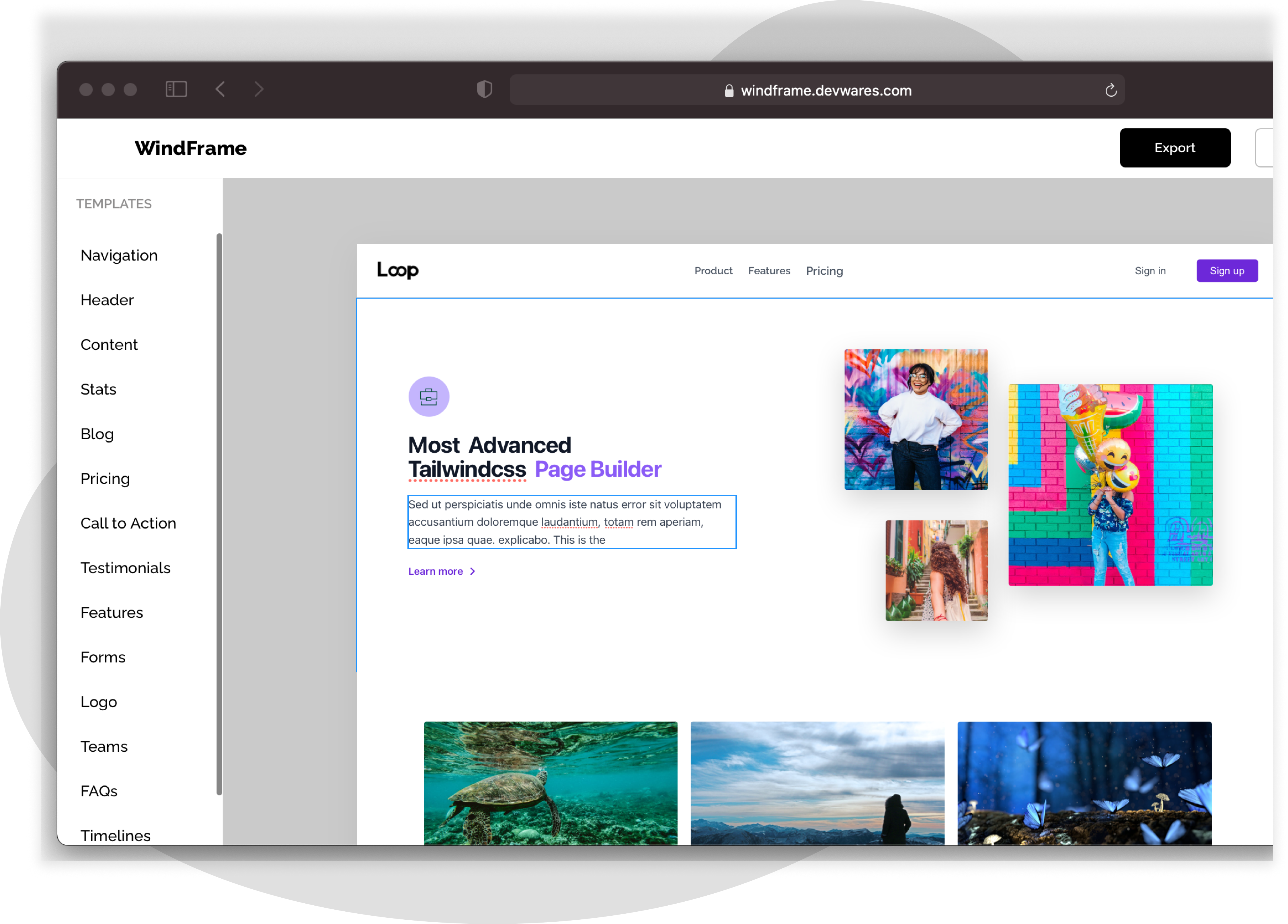
Built with tailwindcss
Windframe was built with tailwinds, allowing you to edit using tailwinds classes and
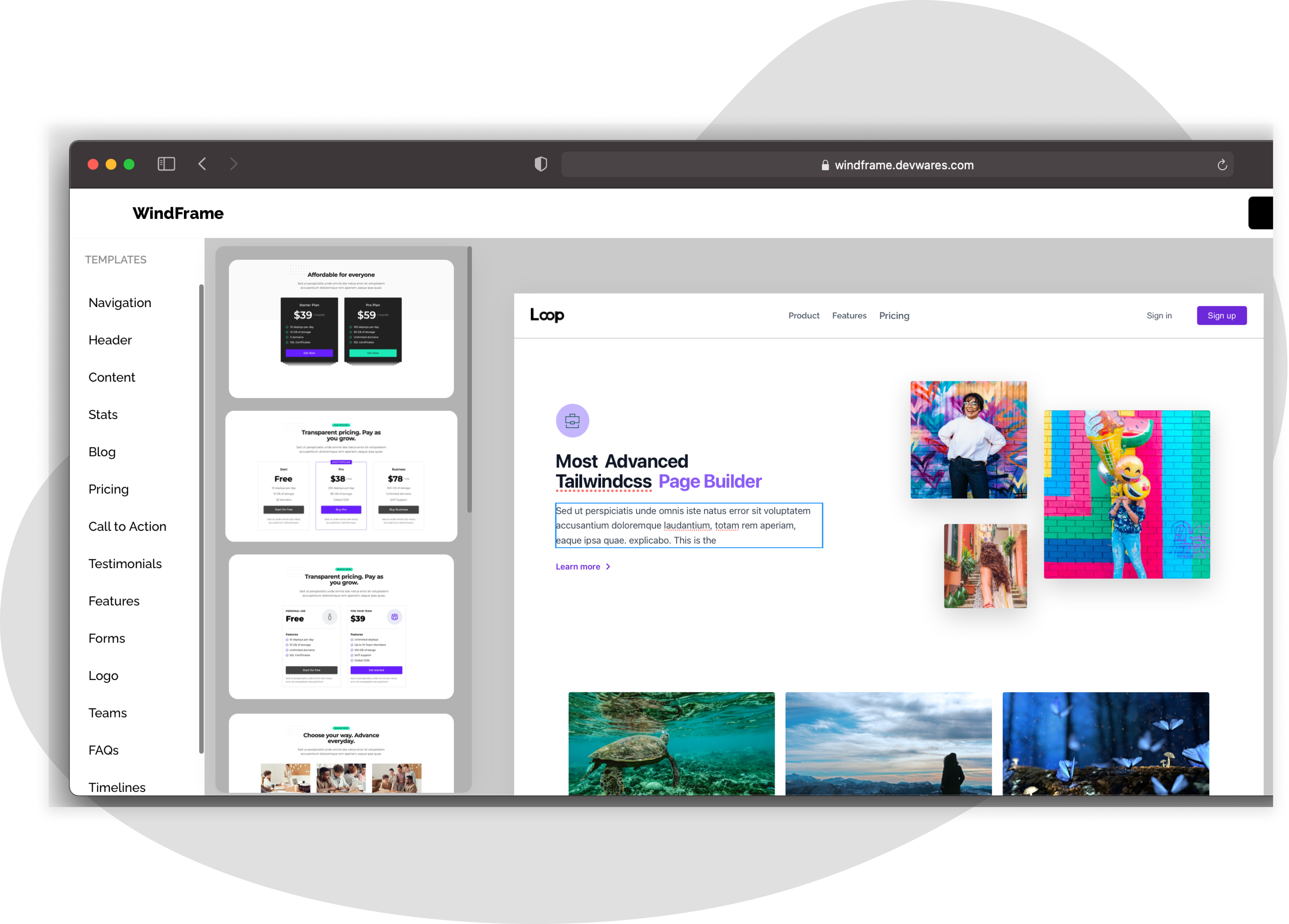
Export your designs
Export the designs you have created on windframe into well written and understandable code
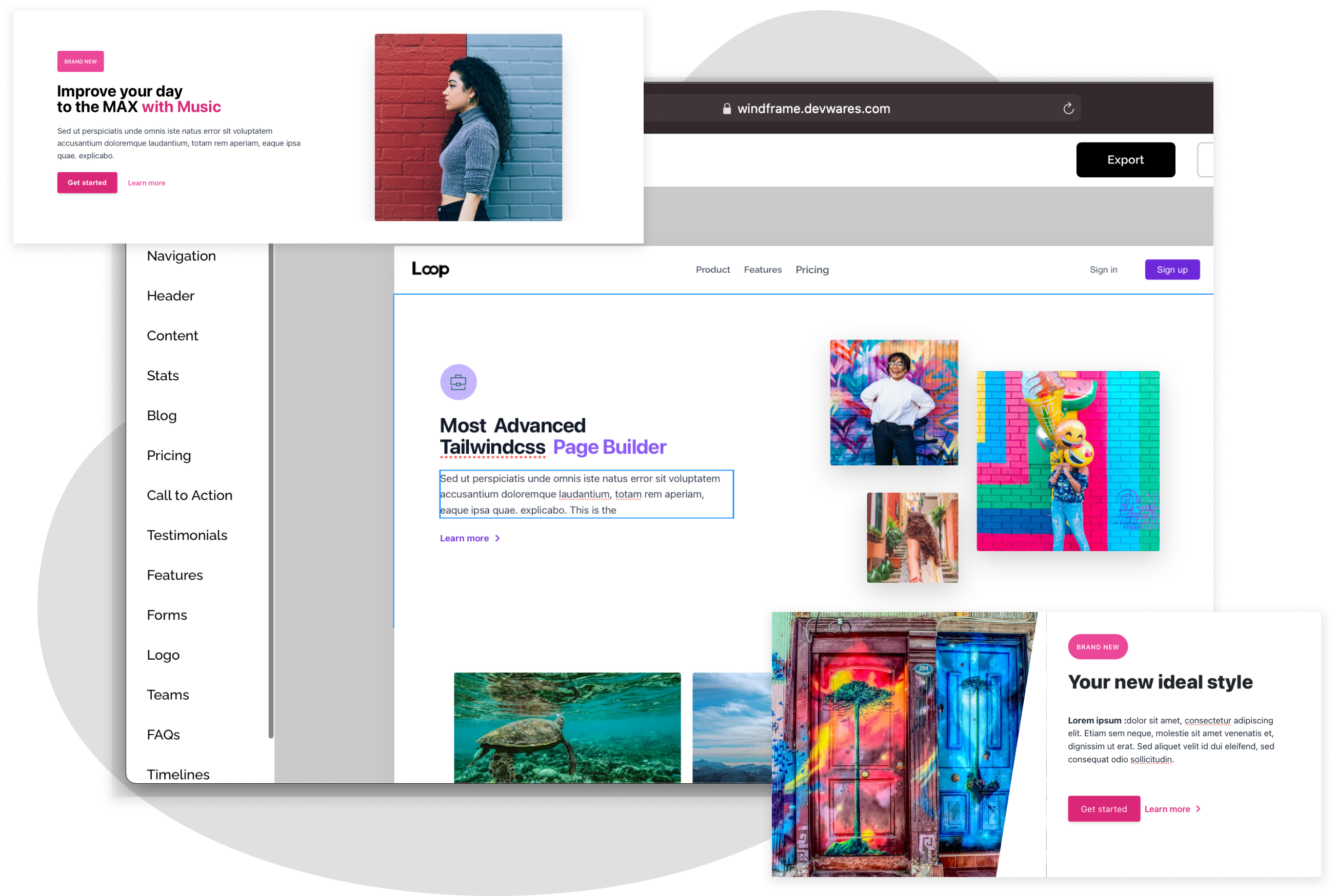
Create multiple websites and prototypes
With windframe you can create multiple websites prototypes and compare them over time.
Built with web developers in mind
Windframe was built with web developers in mind. Website builders are usually not known to be developer friendly but we have created windframe all while thinking about increasing the developers productivity instead of limiting them. Easily edit any element using tailwind css classes that you are familiar with. Use the layers tab to see how your components stack together
As a backend, fullstack or frontend developer you can easily use windframe to prototype any project and export your code when done.


Built for the modern designer.
Windframe was also built to be designer friendly. A lot of the design decisions were made by looking at some of the most popular design tools (figma and photoshop). This was to make the design experience more natural. As a designer using windframe you will be able to deliver well writren code for the designs you created which can be used anywhere.
Built with web developers in mind
Windframe was built with web developers in mind. Website builders are usually not known to be developer friendly but we have created windframe all while thinking about increasing the developers productivity instead of limiting them. Easily edit any element using tailwind css classes that you are familiar with. Use the layers tab to see how your components stack together
As a backend, fullstack or frontend developer you can easily use windframe to prototype any project and export your code when done.
Frequently Asked Questions
Create or prototype a website using a drag and drop builder
Start building your website
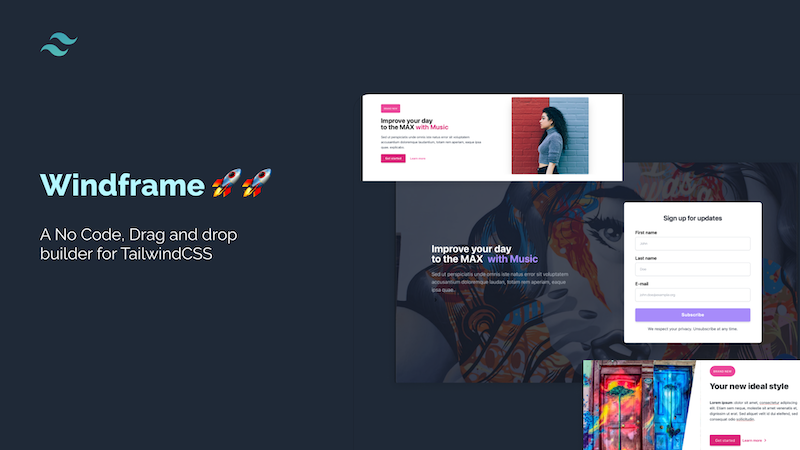
Windframe is Here! 🚀🚀🚀
Winddframe is an incredibly versatile and powerful software that lets you transcribe and translate audio and video files to text. Apart from that, it features all the video editing tools you need to create professional-looking videos, even if you don’t have experience in video editing. Add subtitles to your videos to make them more accessible for everyone. All tools are accessible online so you don’t need to install any software. Everything works smoothly, straight from your browser!